Calculations & automatic values
Some values are on no document: a total, the days until a due date, today's date, your company's name. An output works them out each time a case is shown or a document is made, so nobody types them.
Open a field and click Add output under Outputs. The menu asks what the output makes.
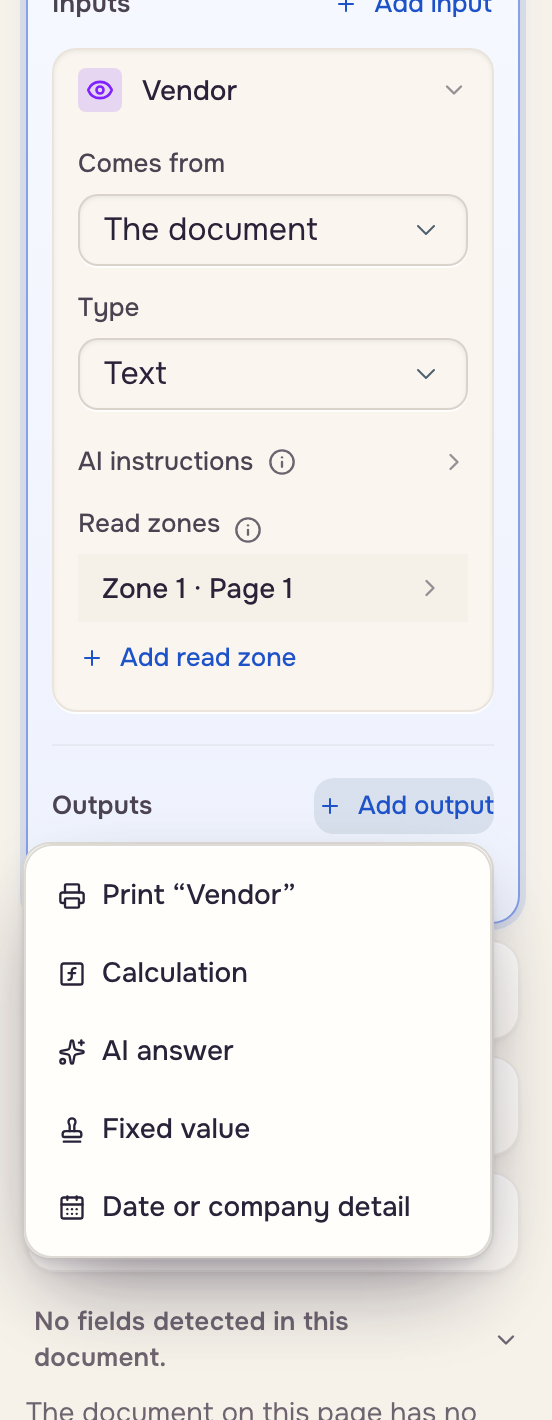
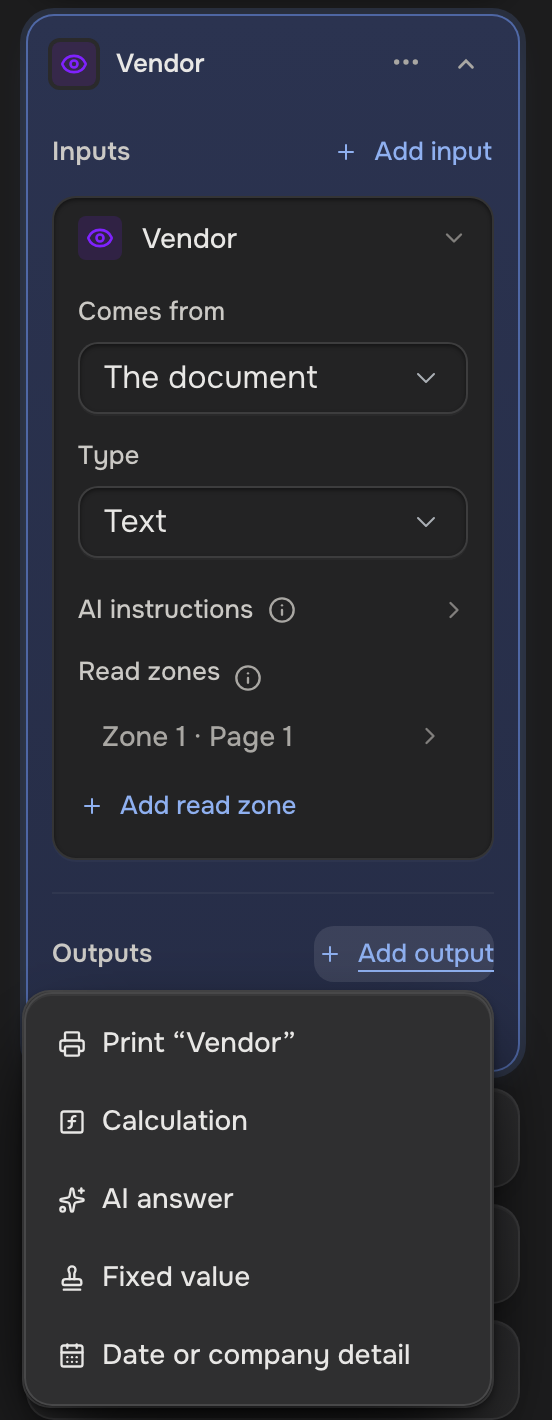
- Calculation: math or text from the inputs. Row word Calculated.
- AI answer: worked out from the inputs and the case. Row word AI.
- Fixed value: the same text every time. Row word Fixed.
- Date or company detail: today's date, or a detail from your company profile. Row word Auto-filled.
- Print: an input written into the document as it is.
An output with no write zone stays on the case and says Not printed; Add write zone prints it and marks the row with a printer. The row's ⋯ menu holds Delete output.
Add a calculation
Ask the AI assistant ("add a total of all the amounts", "show the days until the due date") and it sets the output up.
Or type JSON in the box under the pickers:
{"op": "daysBetween", "args": [{"ref": "$today"}, {"ref": "due_date"}]}
ref reads a case value, literal is a fixed value, and $today and $now are the current date and time.
- Math:
add,subtract,multiply,divide,round,roundUp(up to the next step, like the next 5),abs,sum,avg,count,min,max - Dates:
addDays,subtractDays,daysBetween,formatDate - Text:
concat,joinNonEmpty,substring,right,replace,uppercase,lowercase,titleCase,sentenceCase,trim,isEmpty - Money:
formatCurrency,formatPercent - Logic:
if,equals,greaterThan,lessThan,and,or,not
On a repeating field each input holds one value per row: math works row by row, and sum, count, min, max and avg turn the rows into one value.
{"op": "sum", "args": [
  {"op": "multiply", "args": [{"ref": "quantity"}, {"ref": "price"}]}
]}
A calculation is worked out again each time the case is shown or a document is made. One that goes wrong prints blank.
Add today's date or a company detail
Source System with Path today is today's date. Source Company profile with Path name, owner, ownerInitials, addressLine1, addressLine2, phone or fax is a detail the account owner fills in under Settings, Company.
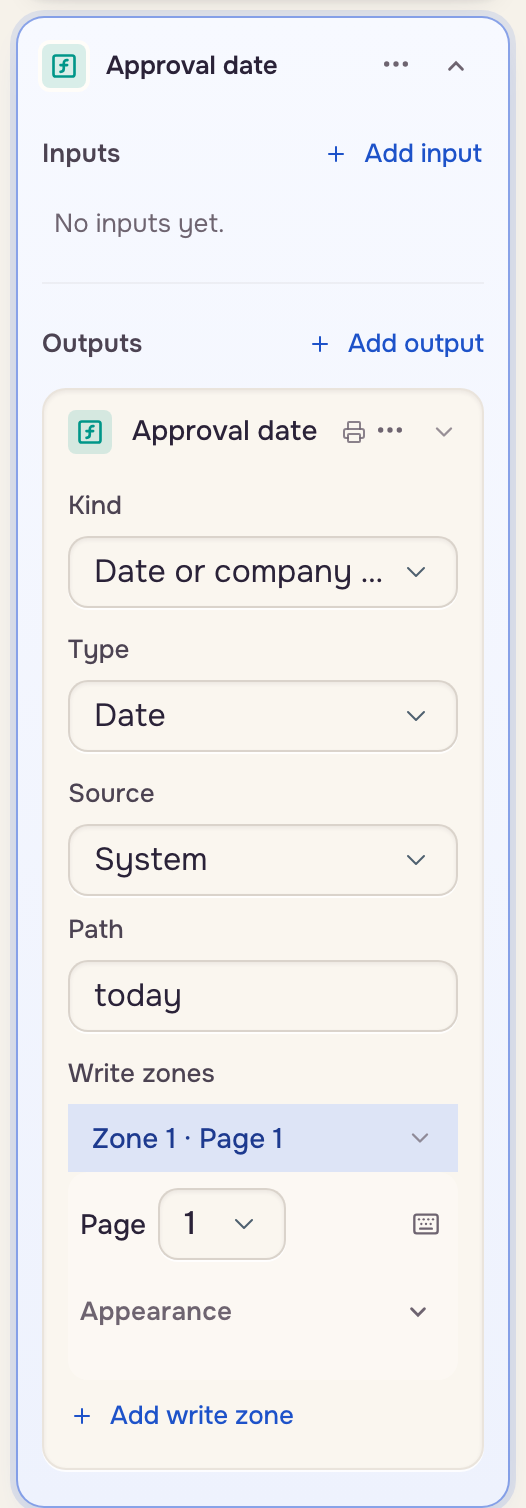
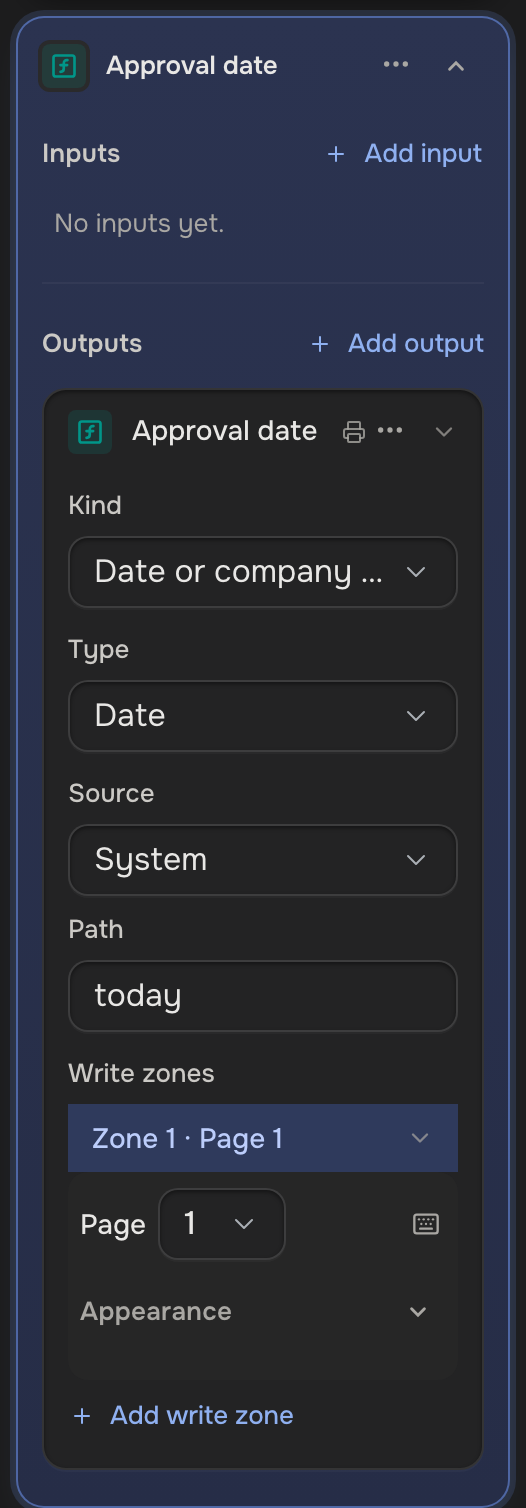
On a Signature field, Add output offers Date signed: a date under the signature in one click.
Good to know
- Calculated and auto-filled values are never saved on the case.
- One waiting on an unanswered question shows Needs and the question's name.
- A value typed over a calculated one wins.
- A calculation reads the field's inputs, a fixed one included, but no Fixed value or Date or company detail output: pass that value as a
literal, or make it a fixed input.