Workspaces
A workspace holds everything for one line of work: its cases, mailboxes, templates, documents, automations, email templates and team. Every account has at least one, and you switch between them at the top of the sidebar.
A new workspace starts empty. Teams keep one per kind of paperwork, like invoices in one and contracts in another.
A template belongs to one workspace. To use it elsewhere, copy it there from the editor's Template actions menu.
Switch and create
The sidebar starts with Workspace: a gear, a +, and the open workspace's name.


Click the name to switch. Unsaved edits are asked about first.
Click +, type a name, and press Enter: the workspace opens at once. Only the account owner makes workspaces, and a second one opens on Pro. A name another workspace has gets a number, like "Contracts 2".
Your first workspace is called New workspace. Rename it under General. An empty workspace offers Set up with AI: describe your work, and the AI assistant sets it up while you watch.
Workspace settings
The owner and the workspace's admins open them from the gear.
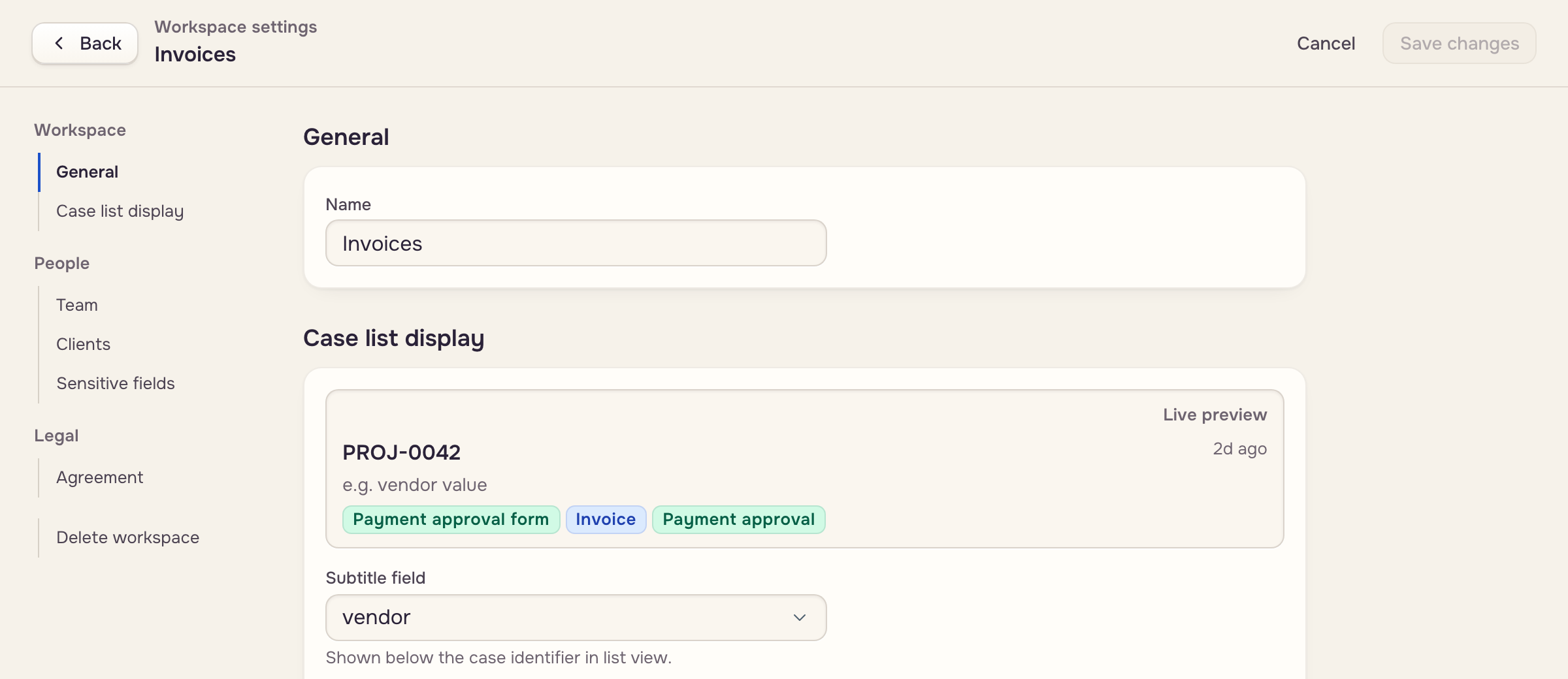
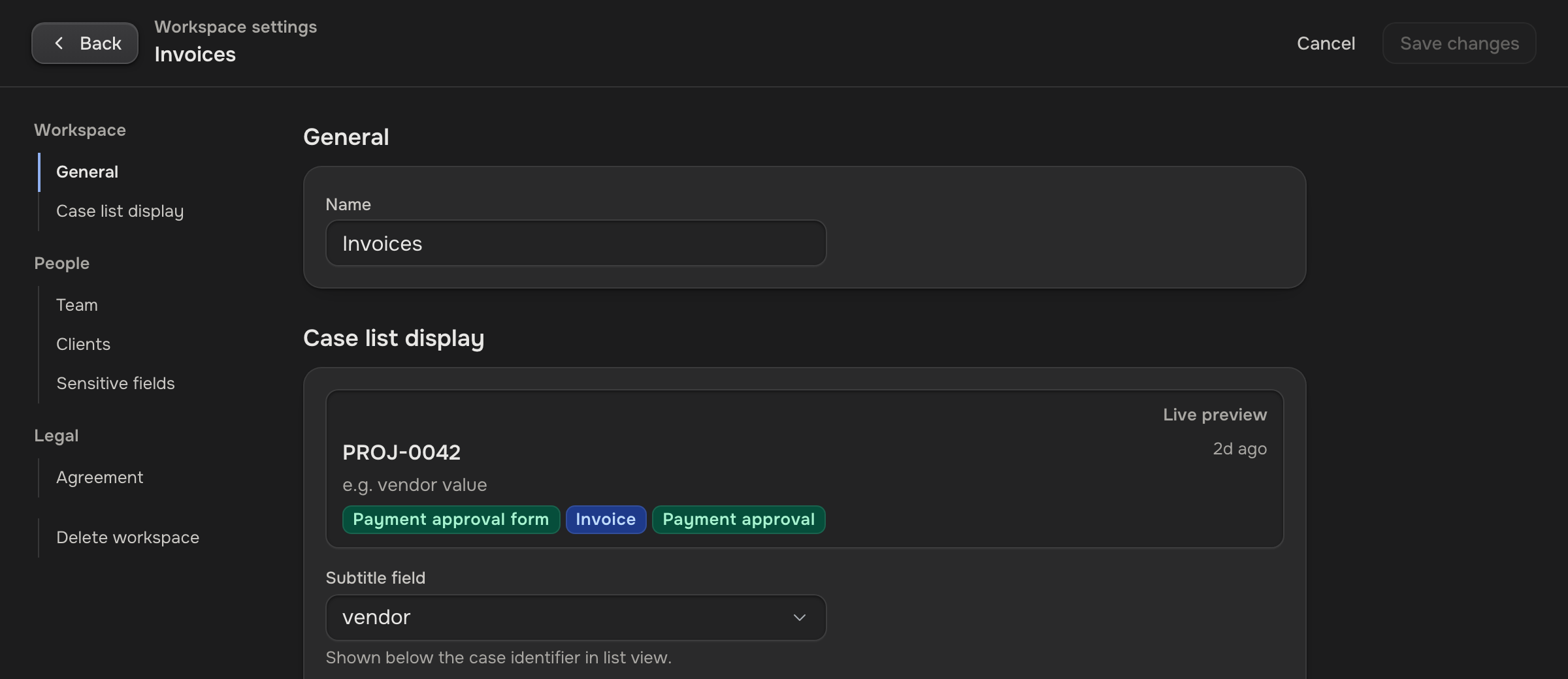
- General: the Name.
- Case list display: the Subtitle field under each case's ID, Show category tags, and a Live preview.
- Team, Clients and Sensitive fields: who works here and what they see (Teammates & access).
- Agreement: the account owner names the organization and accepts the data processing agreement for it.
- Delete workspace.
Save changes, at the top, saves every section at once and needs Pro. Cancel drops it all. Accepting the agreement is a signature, so it has its own Accept agreement button.
Names are unique: inside a workspace, two templates, automations, documents, mailboxes, saved filters, charts or email templates never share one, and a taken name is refused. Nor do two of your workspaces.
Delete and restore
 Workspace
 Trash, 30 daysBack as it was
Delete workspace lists everything inside. Type the name to confirm. The workspace disappears for everyone, its automations stop, and clients lose sight of its cases.
To bring it back, the owner opens Settings, then Account: each deleted workspace has Restore and Delete forever. Both need Pro.