The AI assistant
The AI assistant is a chat beside the app that does real work in your workspace: it finds and updates cases, builds templates and filters, sets up automations and prepares emails. It acts as you, with your access and your plan, and asks before any big change.
Click Open AI assistant at the top right. The chat opens beside what you're doing and knows the case you have open: "add a note to this case" is enough.
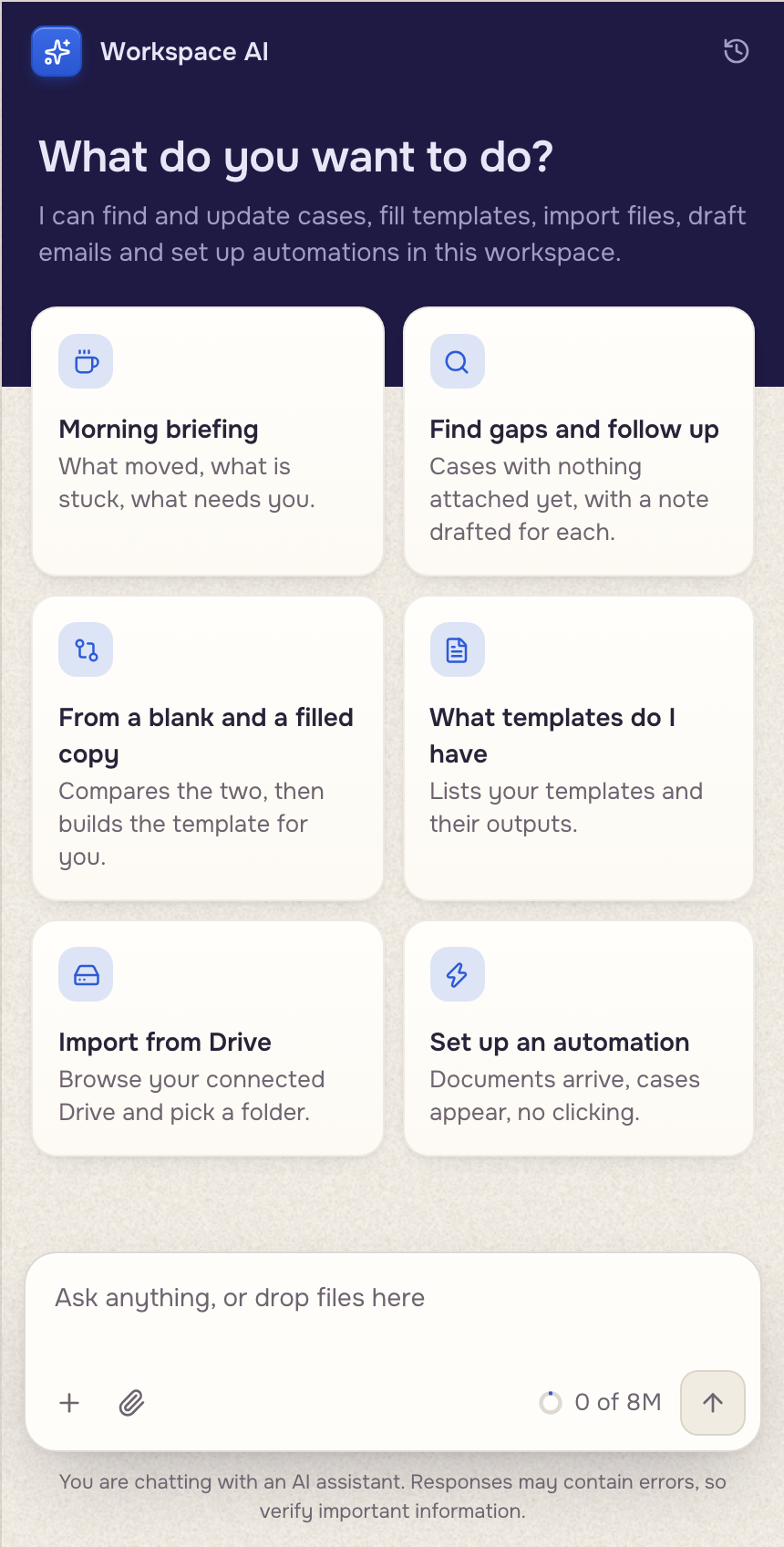
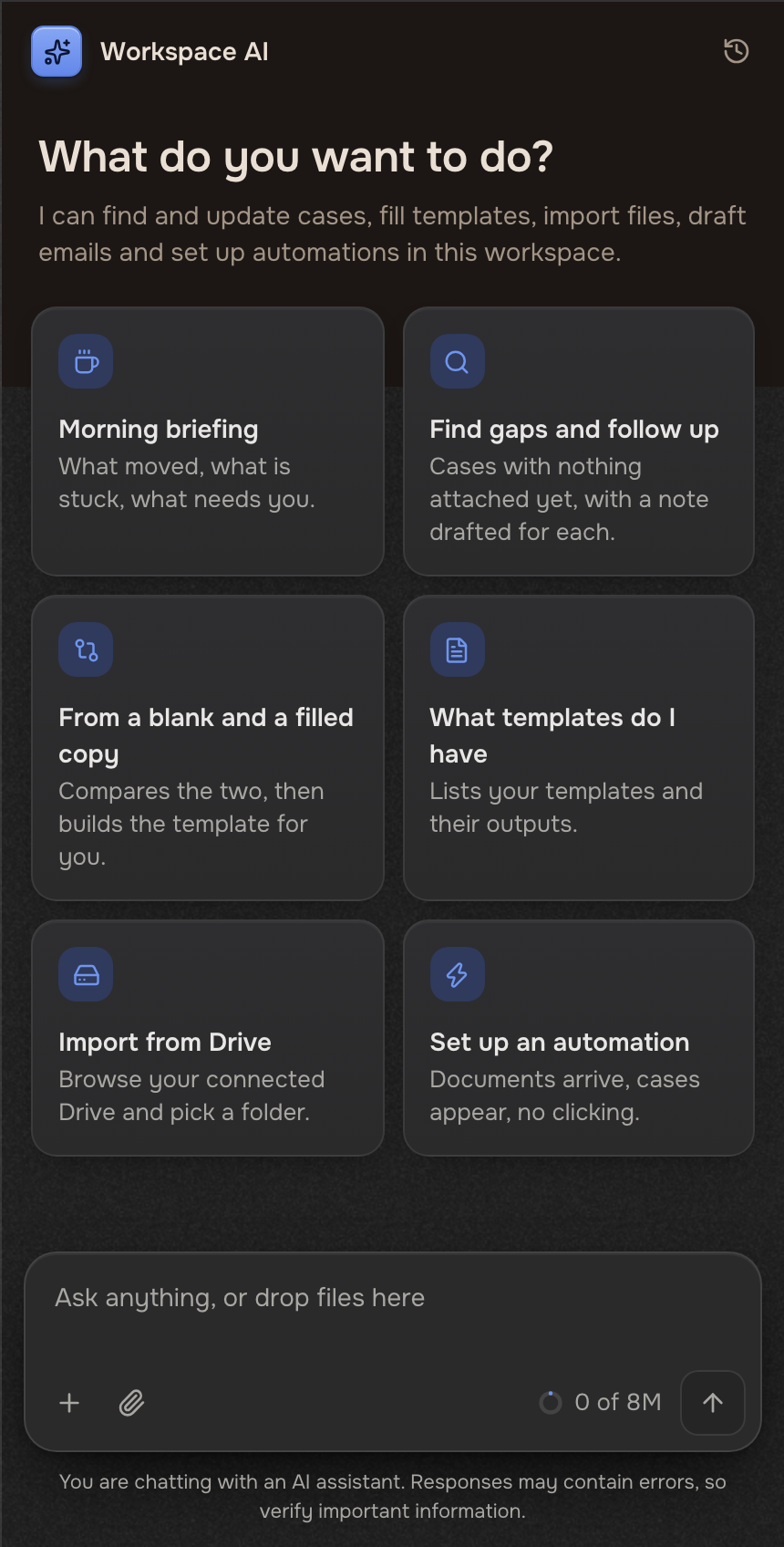
What you can ask
It works in the workspace you have open, with your access.
Building from a filled copy: Build from a completed example.
Changes that wait for your yes
Small changes apply at once and show in the case's Activity: changed values, notes, new cases. Bigger ones show a card first.
 Your request
 Waiting for your yes
 Applied
These wait: changes to many cases, mailbox moves, placing fields, automations, adding someone to a case, saved memory, settings, deleting a filter, moving a file. The card ends with Reply yes to apply. or names its change (Reply yes to move them.). A question, or "yes, but…", gets a new card instead.
Files in the chat
Click the paperclip, or drop files on the chat. With a case open they go to that case; with none open, say what to do with them. The + menu has Import a folder, New case and New cases from a list.
 A spreadsheetNew cases
Business memory
Tell it a rule to keep. It shows the rule and saves it when you type yes. Every chat in your organization can then use it. Only the account owner saves or deletes memory.
History and limits
- Past chats sit behind the clock button (Chat history), grouped by day and searchable by title. New chat starts over. Memory is the tab beside history.
- It runs on the AI model picked in Settings (Integrations & AI model) and spends the same AI tokens as everything else. The meter in the message box shows the month's use.
- A teammate who isn't an admin of any workspace can't change templates, automations, saved filters or settings through it.