Notifications
The bell shows what changes in your workspaces: new cases, files, notes, documents and people. The same updates can reach you by email, and each person chooses which ones they get.
Updates show on the bell, and by email if you want them. Only a Gmail draft carries words you wrote.
 A case changes
 The bell
 Your inbox
The bell
Click the bell at the top. Updates group by case; click one to open the case at that moment. Mark all read clears the list. A case with unseen updates shows a dot in the case list.
Your own actions show in the bell, never by email.
Email copies
On until you change them. Settings, Notifications: turn off Email notifications, or some kinds:
- People and access: added to or removed from a case.
- Case activity: cases created, changed, moved or deleted, files, notes.
- Documents and requests: documents generated, files an automation brings in, forms a client submits.
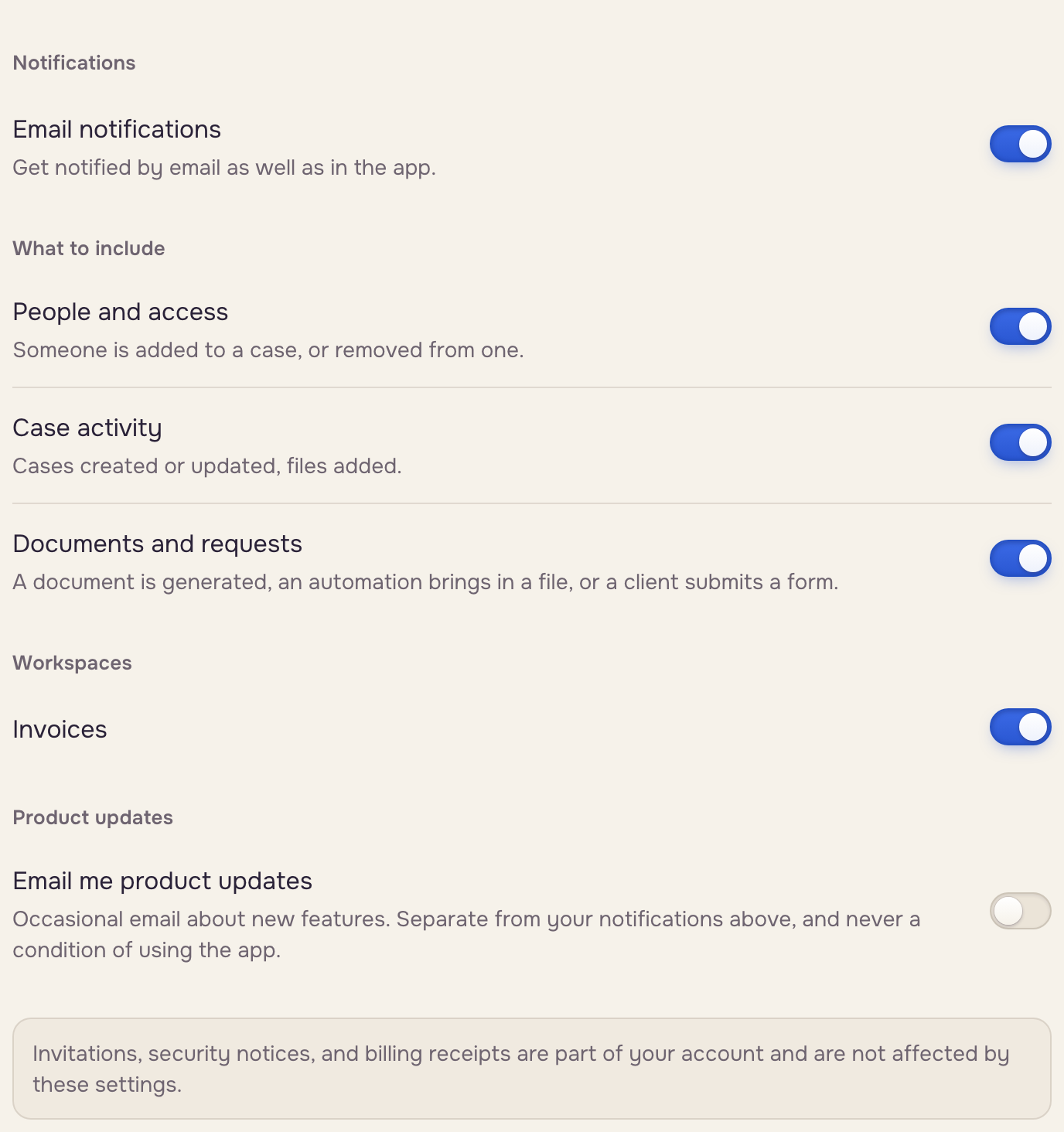
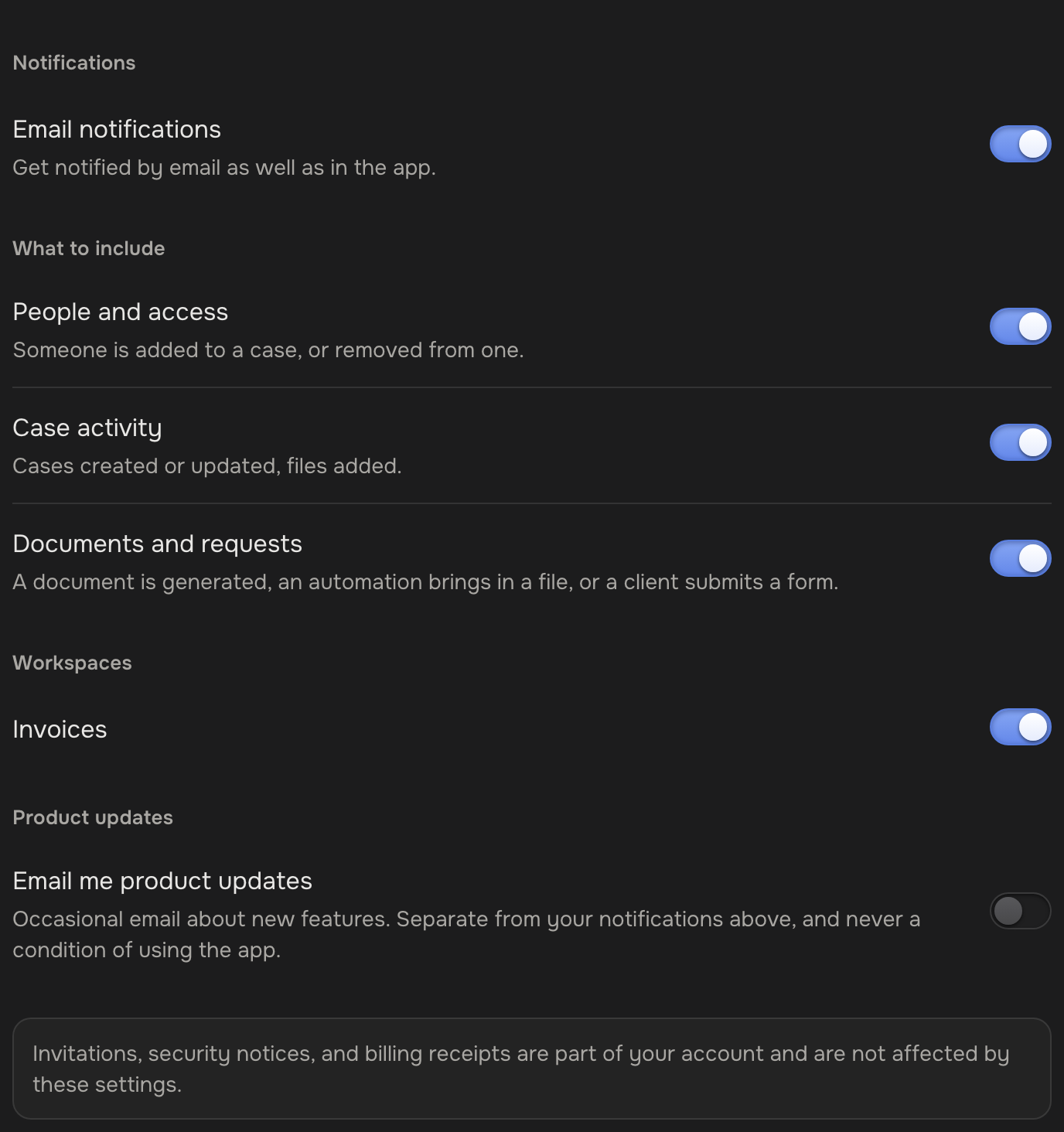
Under Workspaces, turn one off. At most one email of each kind every five minutes, each linking to the case.
Emails that always arrive
Account emails, outside these settings. To write to a client yourself, compose a Gmail draft (Email templates & drafts).