File categories
A file category is a colored tag on a file, like Invoice or Contract. It says what kind of document a file is, so the right template comes first and the right files go on emails.
Automations
Updated 2 min read
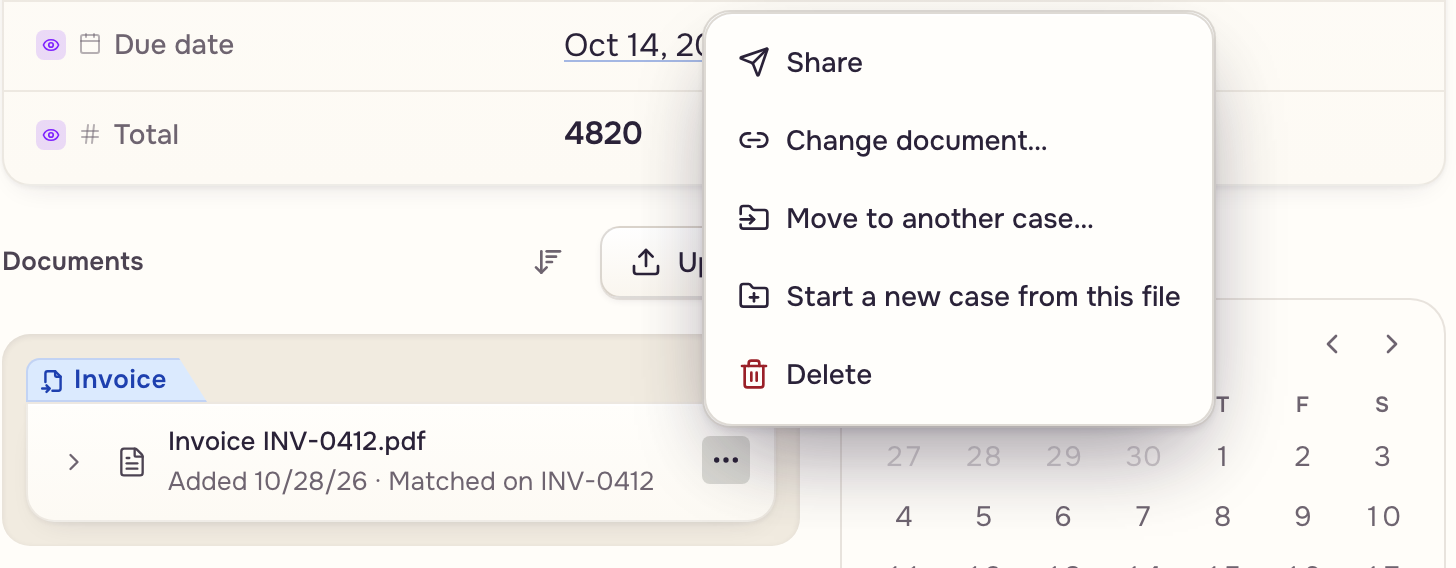
Every workspace has its own categories. They show as colored chips on files in a case's Documents list.
Where a category comes from
A file is tagged where it enters or where it is made:
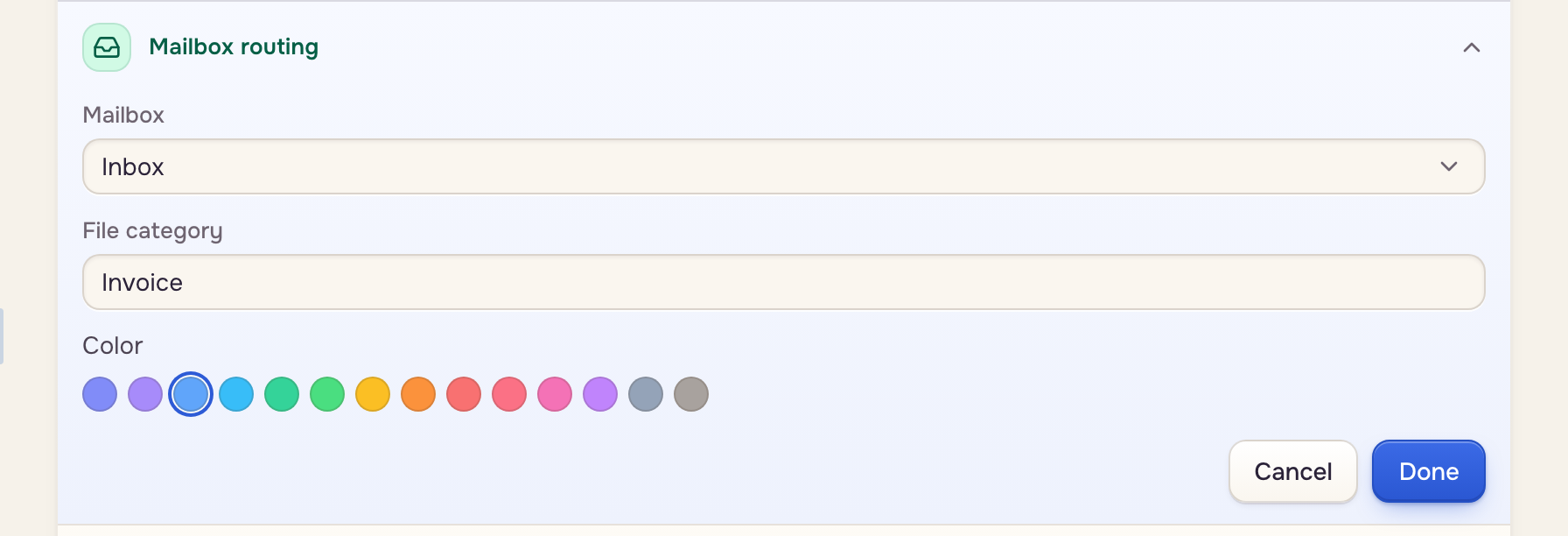
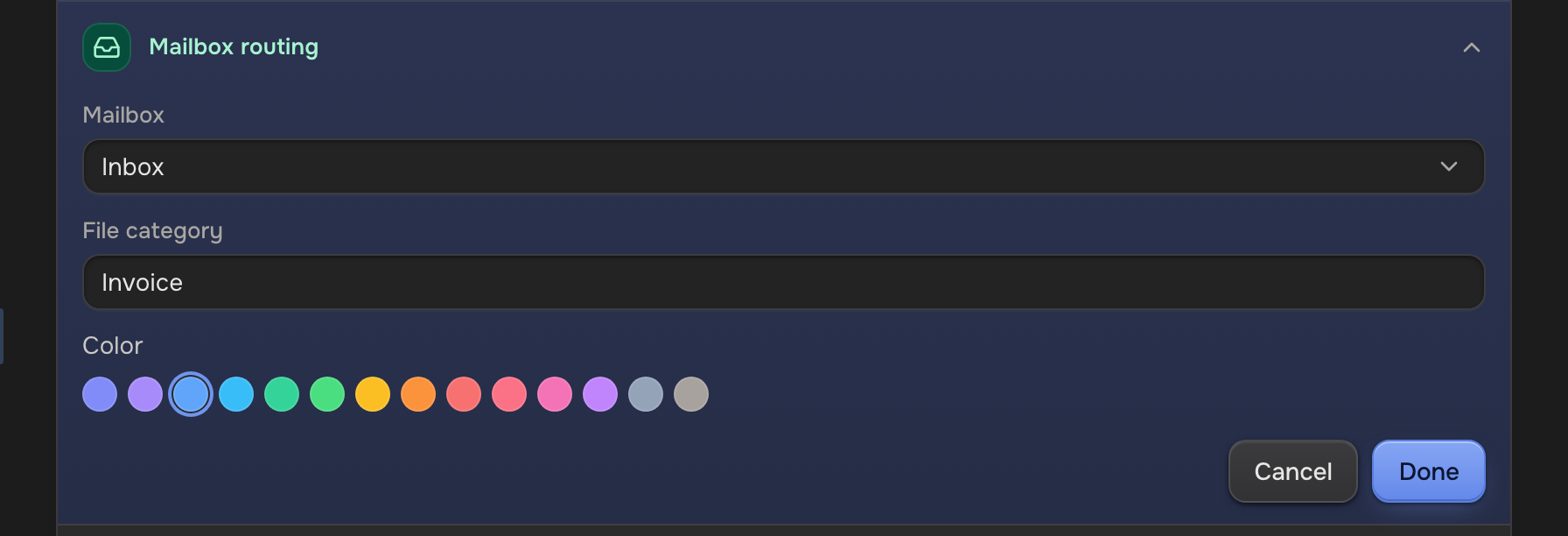
- An automation tags every file it brings in with the File category in its Mailbox routing row. With an Extraction step, the file takes the template's document's category.
- A template tags the document it fills with its Output category.
- A document added to a template creates a category with its name.
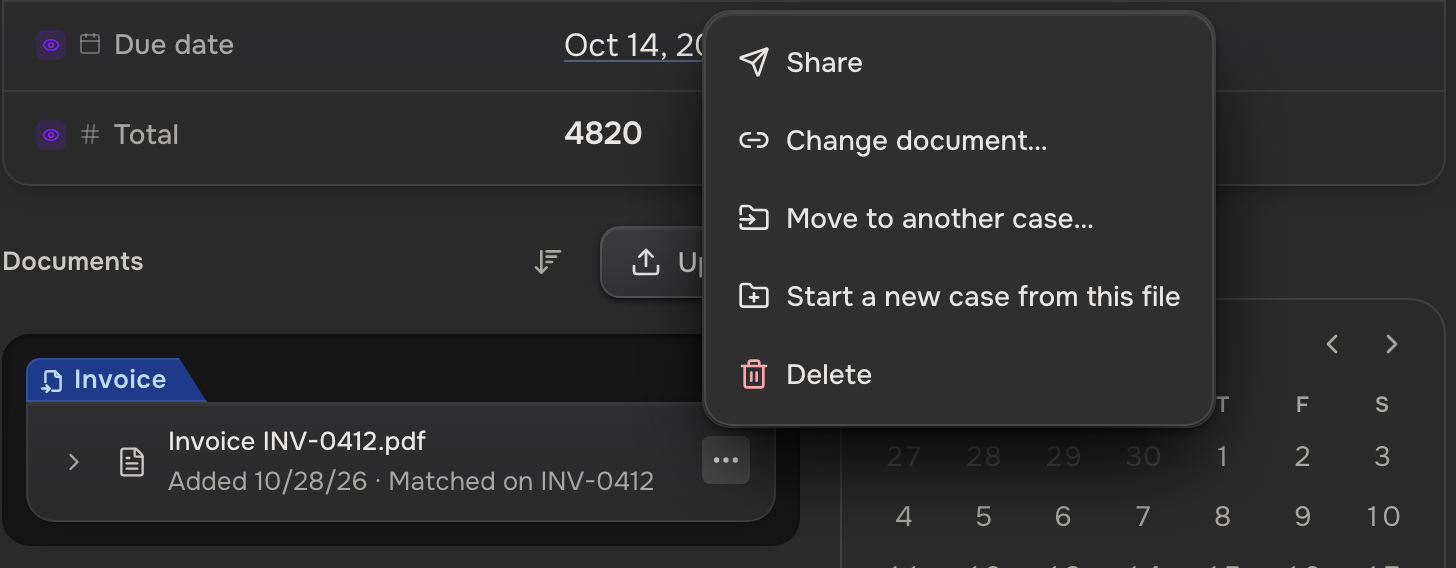
- You: a file you upload arrives untagged. In Documents, open its menu: Link to document… gives it that document's category.
File category
01AutomationTags every file it brings in
02Template outputTags the file a template makes
03DocumentAdding one creates its category
04Link to documentTags a file you uploaded
A name another category already has picks that category. Renaming one renames it everywhere; every file keeps it. Creating, renaming, or recoloring needs the Manage file categories capability, which owners and workspace admins have.
What a category does
- Puts templates first. Open a file, and templates that read its category come first. None is hidden.
- Picks email attachments. An email template attaches a case's files by category.
- Limits who sees files. You choose which categories each teammate and client sees.
A category never decides which case a file goes to. That's the case's ID.
 Tagged Invoice
 Invoice template first