Integrations & AI model
Settings is where you connect your own Gmail and Google Drive, pick the AI model the app uses for you, and export your data. Open it from your name at the bottom of the sidebar.
Settings are about you and your account, not one workspace.
Connect Gmail and Google Drive
Under Account, turn on the Gmail or Drive switch and approve on Google's screen.
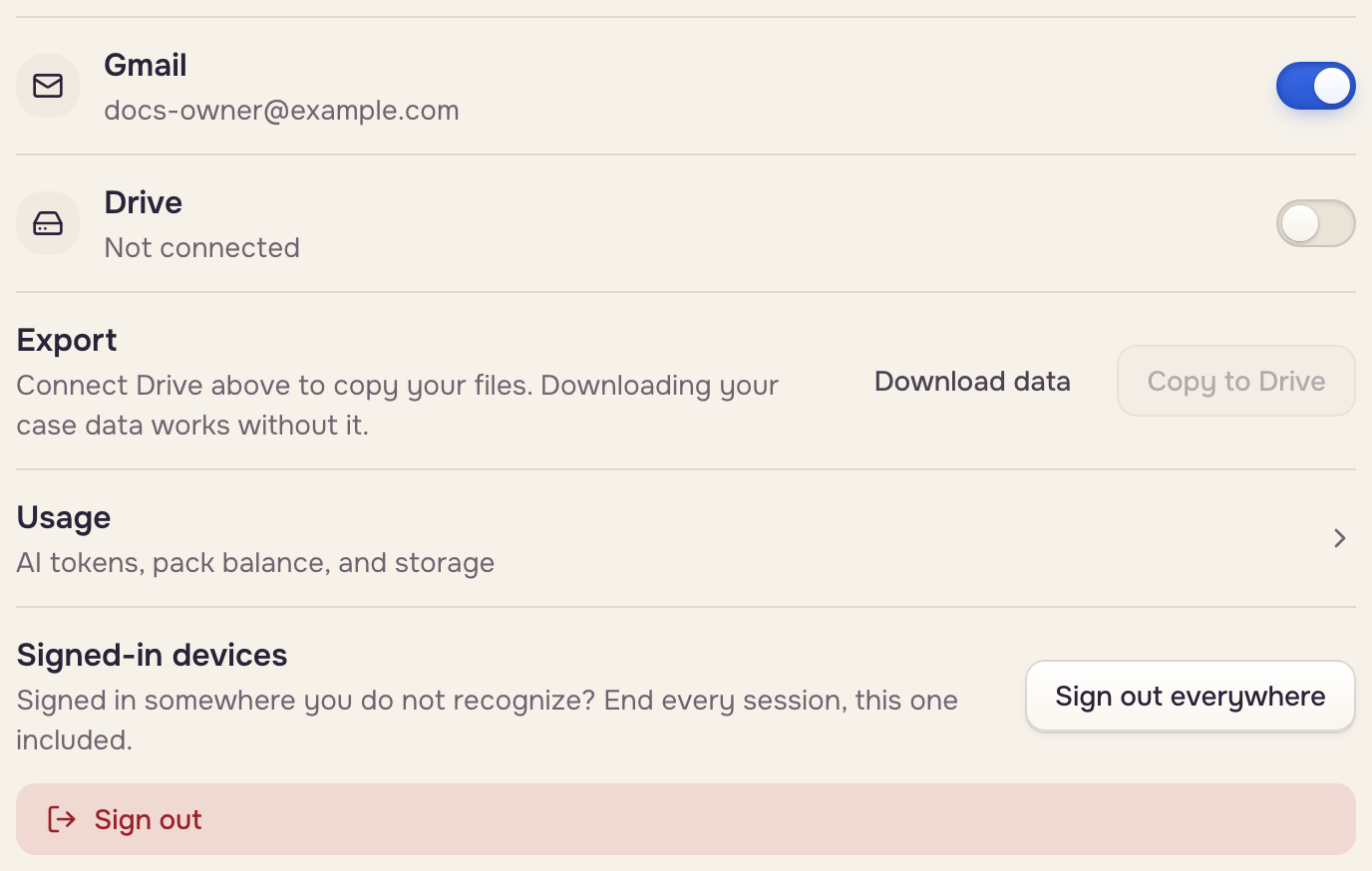
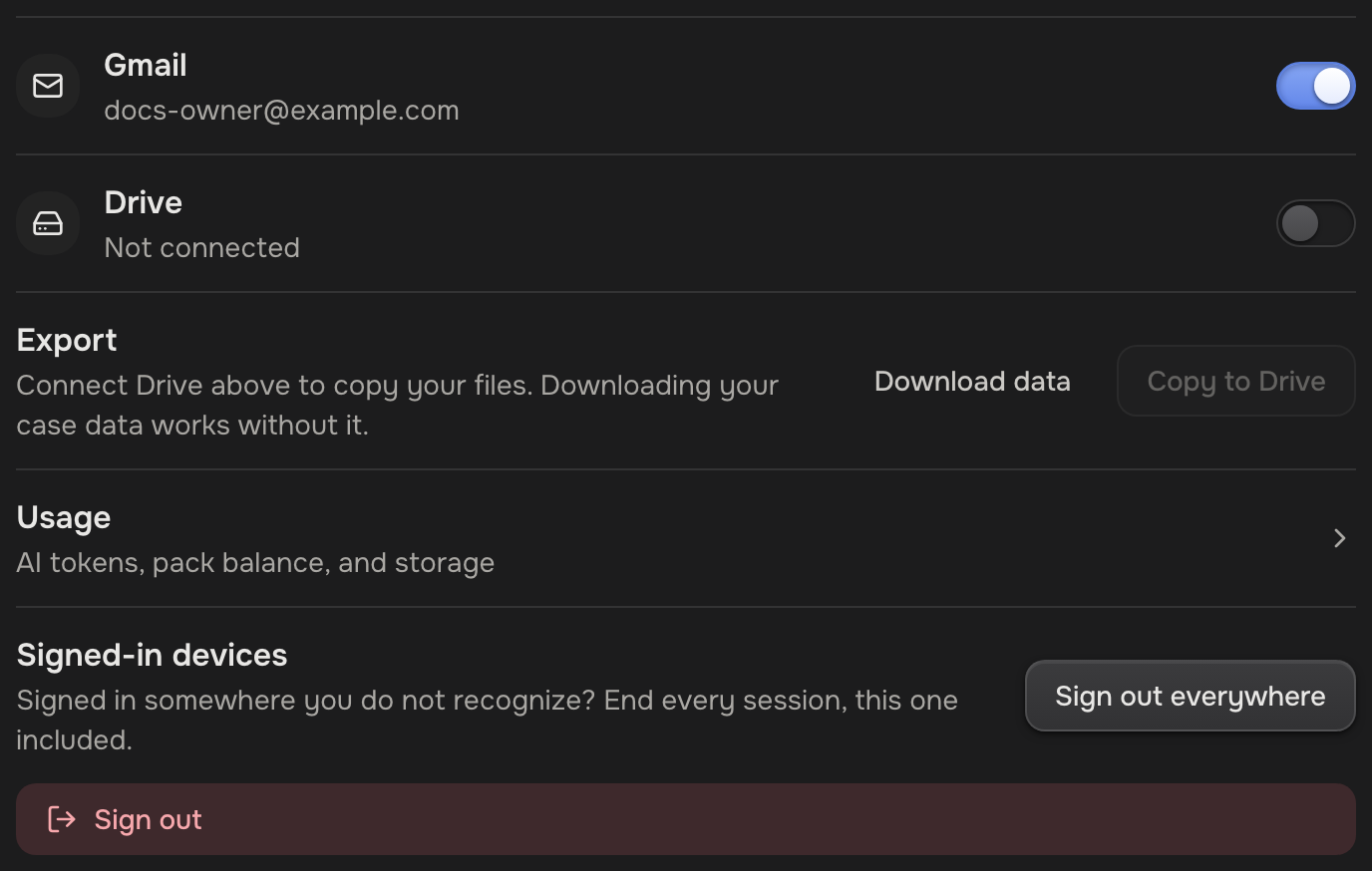
- Gmail: automations read your inbox and add calendar reminders, and the app puts email drafts in your Gmail. Opens on Pro.
- Drive: automations watch a folder, and you can copy your files out. Every plan.
Connections are personal: each teammate connects their own, and an automation runs on the Google account of the person who made it. To disconnect, turn the switch off and click Disconnect. Automations that use it pause until you connect again. Your cases and files stay.
Choose the AI model
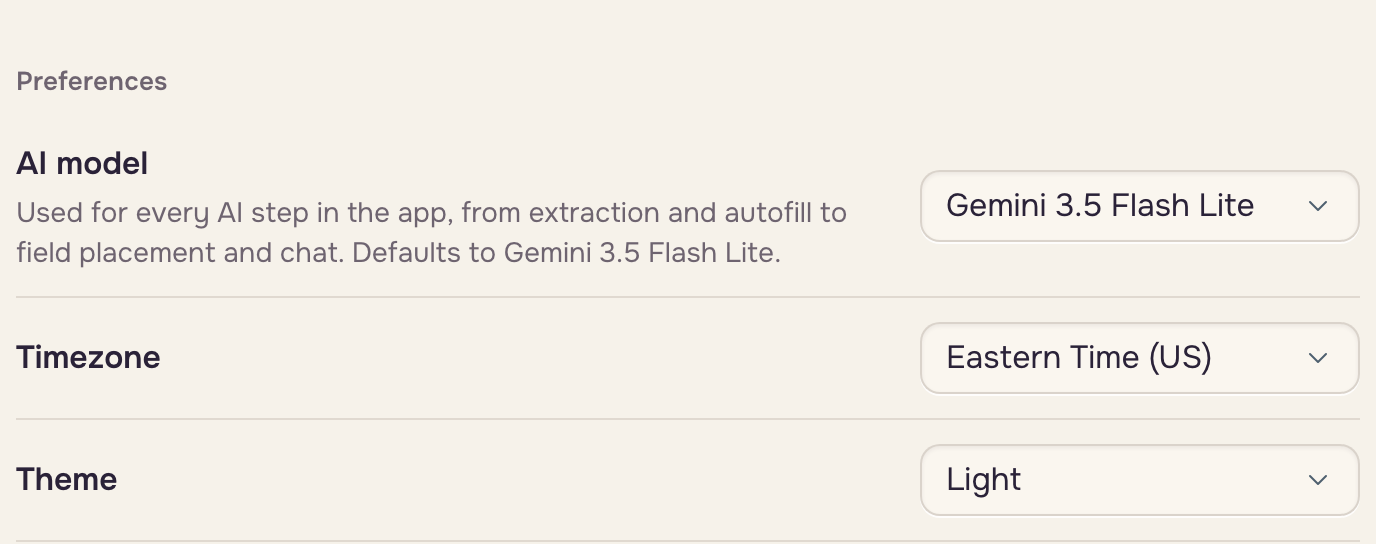
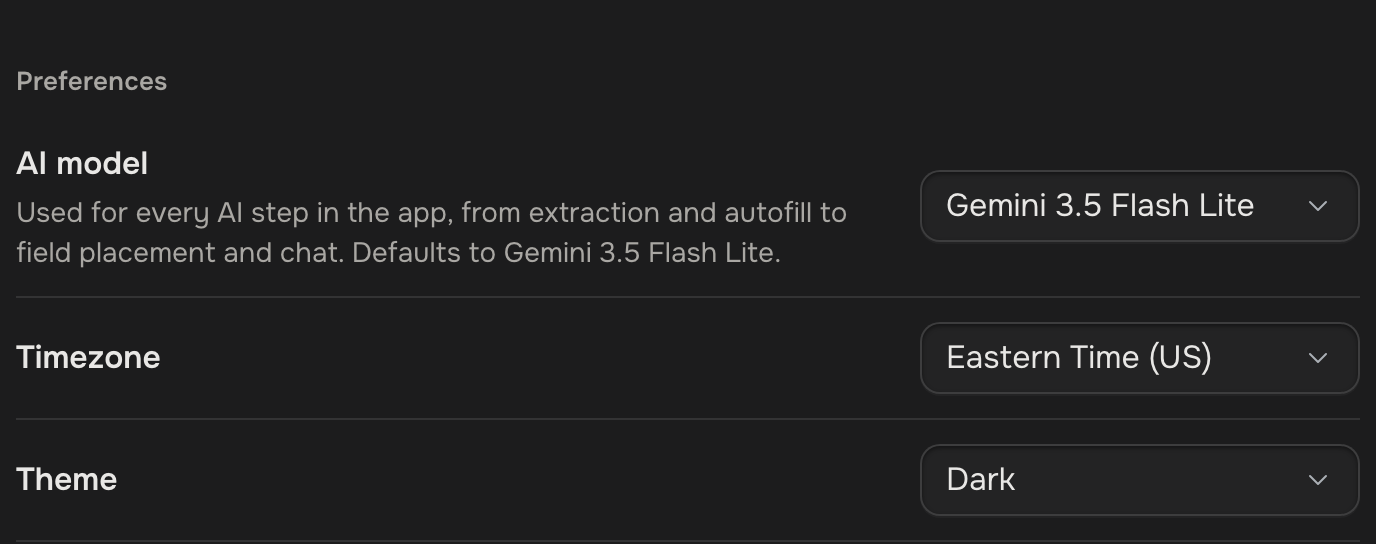
Under Preferences, pick the AI model. It saves the moment you pick, and every plan has the same three.
| Model | Pick it for | Token use |
|---|---|---|
| Gemini 3.5 Flash Lite | Everyday work. The default. | Standard |
| Gemini 3.5 Flash Lite (Thinking) | Worked-out values, like totals, that must come out right. Fields can land less well when a layout shifts. | Standard, plus its thinking |
| Gemini 3.1 Flash Lite | Making your AI tokens last. | Half |
Work you start runs on your pick. Work nobody starts, like an automation reading a new file, runs on the account owner's pick. All of it spends the owner's AI tokens (Plans & limits). Reading a scanned page while building a template from a filled copy always uses a stronger model.
Export your data
Export, under Account, works on every plan.
 Every case file
 Google Drive
- Copy to Drive copies every case file into your Google Drive. Connect Drive first. An email arrives when it's done.
- Download data saves a file of your workspaces, templates and cases, with their values and history, plus what the app keeps about you: your profile, the workspaces you're a teammate in, and your record of accepting the terms, your email choice and any document you signed.