Workspaces & Settings
Chapter 05 · 9 articles · 35 min total
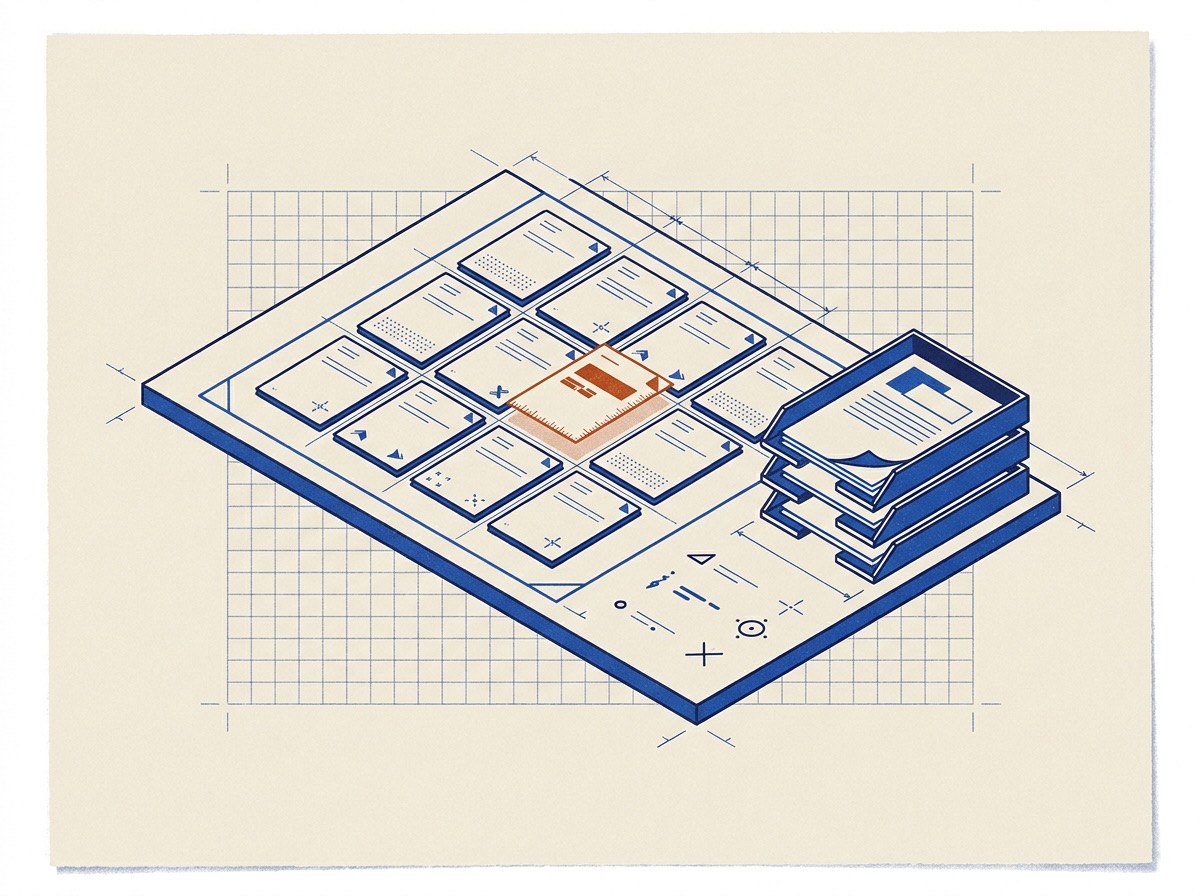
- Workspaces in depth
A workspace scopes the data for one document process. It holds your mailboxes, templates, categories, automations, and send templates so you can shape a complete workflow.
- Stages, filters & outputs
Mailboxes partition a workspace by workflow location, filters narrow what shows in the current mailbox, and field outputs decide how a value leaves a field: stamped onto a PDF or saved as a derived case-data value.
- Documents in templates
A document is one PDF (or DOCX) you upload into a template: it belongs to the workspace, so any number of templates and automations can reference the same one, and you manage it from the template editor rather than a separate place.
- Cases in depth
Files route by identifier. A matching identifier joins the existing case, while a new identifier creates a new case. The app never overwrites your manual edits, and every case carries an activity timeline.
- Workspace AI chat
Document Blueprint has a built-in AI you drive in plain language: it configures the app (templates, automations) and runs your work (cases, bulk actions, field placement) by calling tools, not by improvising.
- Integrations, AI model & billing
The settings sections hold your Google integrations, AI model choices, and subscription plans. You connect your own Gmail and Google Drive accounts to power automations, pick a model for autofill runs, and manage your billing tier.
- Plans & limits
Every plan limit in one place: how many templates, seats, workspaces, AI tokens, storage, and uploads each plan includes, which features open on Pro, what Free and Lite runs save, and where you change your plan.
- Signing in and account access
Sign in at /login with Google, which creates your account on first use. Email and password sign-in is for accounts the Document Blueprint team creates, and the password reset form emails a recovery link to existing accounts.
- What happens when I stop paying
Your account moves to the Free plan. Everything you have stays and stays readable. Creating and editing cases, automations, uploads beyond the Free cap, and AI beyond the Free allowance pause until you pay again. Free accounts that nobody uses for 180 days are deleted after three warnings and a 30-day recovery window. Signing in or opening the app while signed in counts as use. Export first from Settings.